
Description
Turn Your Sound Into Any Format
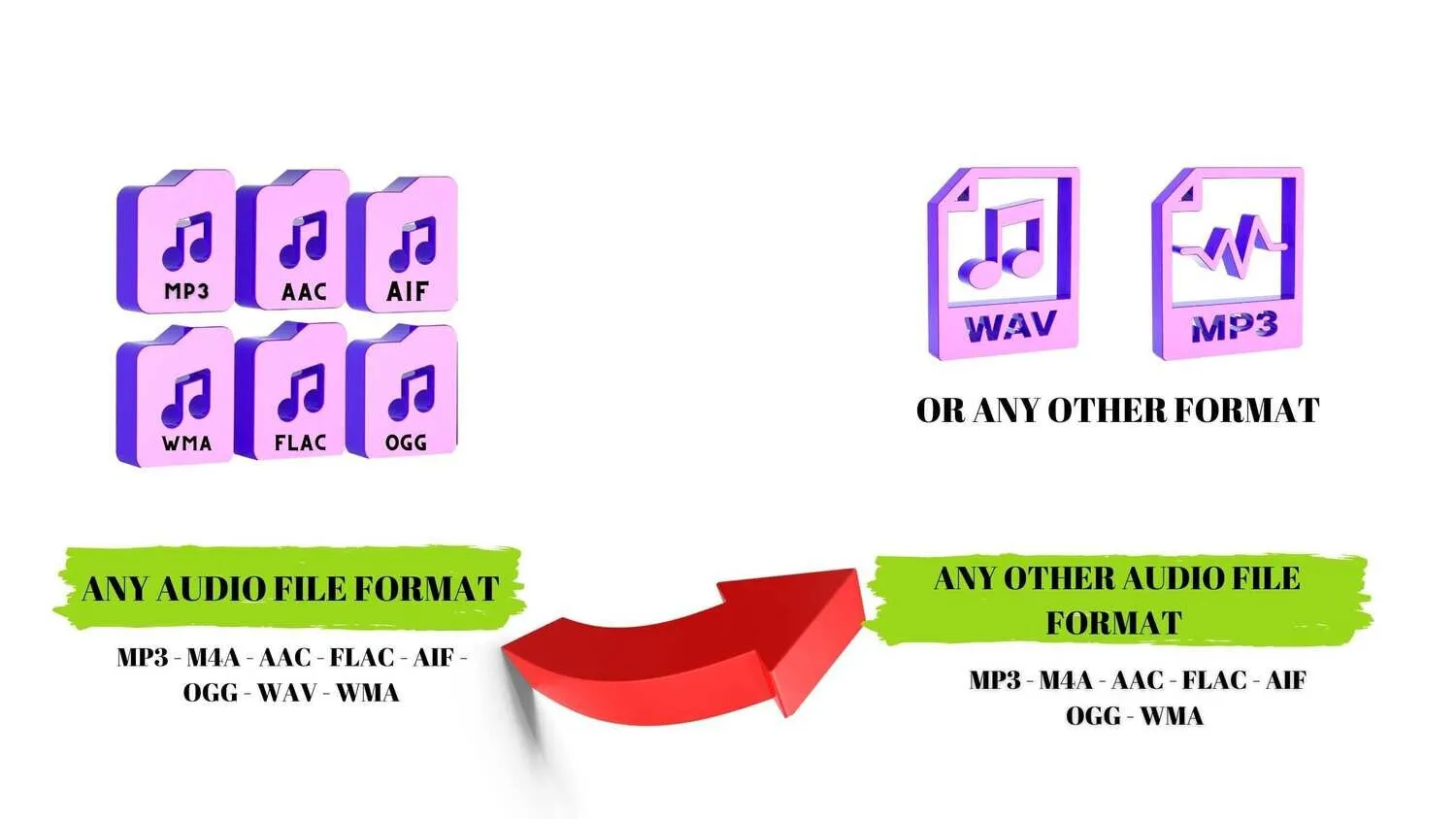
Whether you are a podcaster needing a smaller file size, a music producer prepping tracks for distribution, or just trying to open an unplayable voice memo, format compatibility shouldn’t stand between you and your audio. Our media conversion services delivers lightning-fast, high-fidelity audio transformations directly on your terms. No software downloads, no complex settings—just crisp, perfect sound exactly how you need it.
What is Audio File Conversion
Audio conversion is the process of changing an audio file from one digital format (or “encoding”) to another. Different devices, media players, and editing platforms require specific file types to function properly.
Benefits of Converting Your Audio File/s
-
Fix compatibility issues: Ensure a file plays flawlessly on any device (iOS, Android, Mac, PC).
-
Optimize storage: Shrink massive files down to highly compressed, shareable formats without sacrificing noticeable quality.
-
Preserve master quality: Move between high-resolution formats during the editing and production phase.
The Audio Formats We Support
We bridge the gap between compressed efficiency and studio-grade quality. We seamlessly process conversions across two main categories:
1. Compressed & Highly Compatible (Lossy)
Perfect for everyday listening, streaming, and sharing where saving storage space is a priority.
-
MP3: The universal standard. Compatible with virtually every device and media player on earth.
-
AAC / M4A: The modern successor to MP3. Delivers better sound quality than MP3 at identical file sizes; the standard for Apple devices and streaming.
-
OGG: An open-source, highly efficient format favored by gaming platforms and Spotify.
2. High-Fidelity & Studio-Grade (Lossless / Uncompressed)
Essential for archiving, professional audio editing, and audiophile setups where keeping 100% of the original sound data is non-negotiable.
-
WAV: The uncompressed industry standard for Windows and professional recording. Perfect for editing.
-
FLAC: The golden standard for music lovers. It compresses file sizes by up to 60% compared to WAV without losing a single bit of audio data.
-
AIFF: Apple’s native equivalent to WAV—fully uncompressed, studio-grade audio.
How It Works: Our 3-Step Process
We’ve stripped away the technical headache. Transforming your files is quick and painless.
-
Upload: Drag and drop your audio files directly into your secure private gallery on our website. We handle single tracks or bulk batch uploads effortlessly.
-
Choose: Select your target format from our simple dropdown menu. If you want more control, optional advanced settings let you adjust the bitrate, sample rate, and channels (mono/stereo).
- Conversion: We download your file/s and run them through our conversion software making all your specified conversion requests.
-
Convert & Download: Hit “Convert.” Our software process your files in seconds, serving up a high-quality achieving to our computer
-
Delivery: We review your file/s and upload them to your private gallery on our website for you to securely view and download.
Why Choose Us?
-
Zero Loss in Quality: Our advanced conversion codecs protect the integrity of your audio, keeping your highs crisp and your bass deep.
-
Privacy & Security First: Your intellectual property belongs to you. All uploaded files are heavily encrypted during transmission


There are no reviews yet.